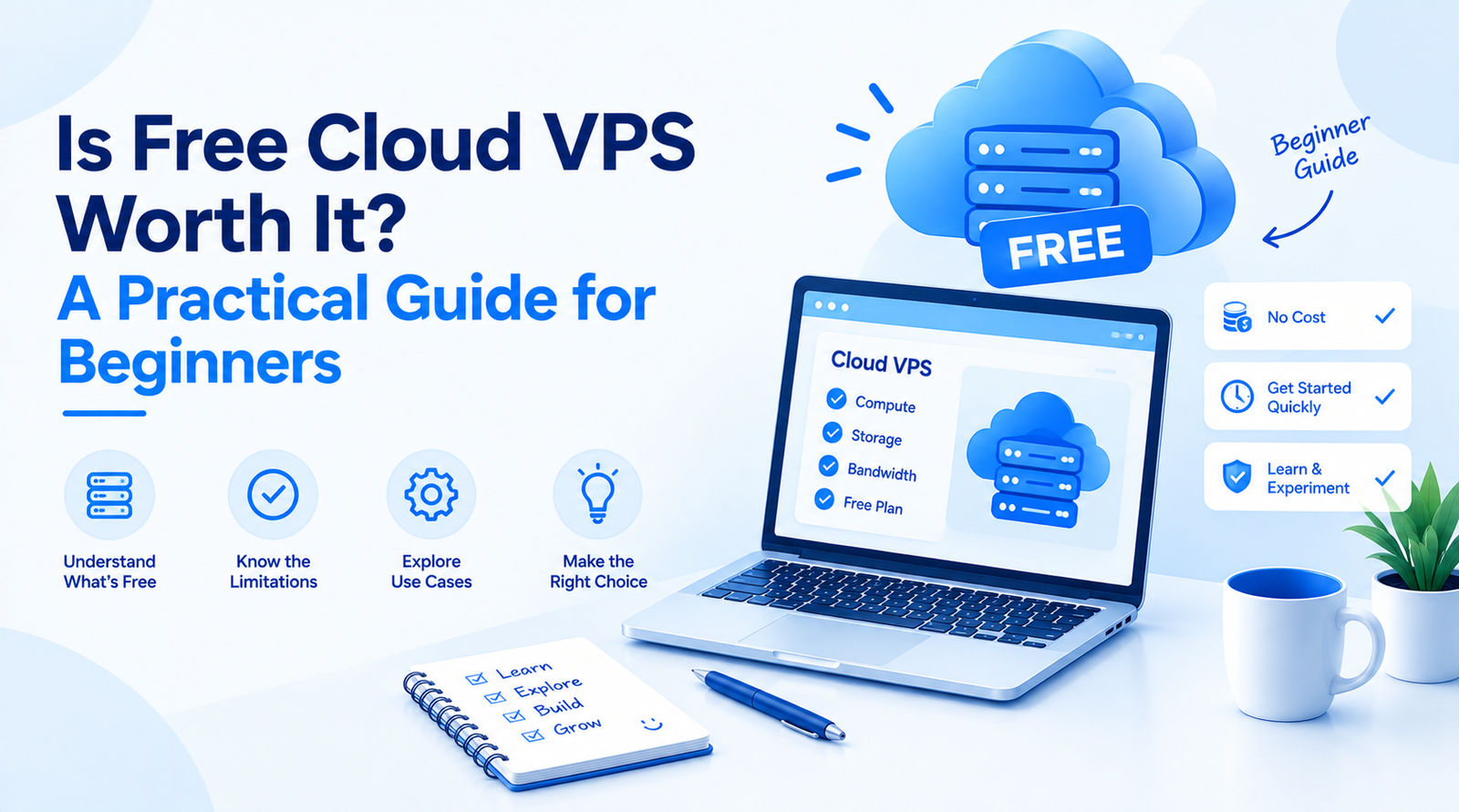
A free cloud VPS could be a solid option if you are looking to run a website, web application, development project, or experiment without spending a penny on hosting fees. Free cloud VPS for beginners presents a chance to learn how to manage servers, test applications, or complete small projects with minimal expenses.
Unfortunately, “free” does not equal “unlimited” in this context, and there are limitations on parameters such as CPU, RAM, storage, bandwidth, duration of use, etc. You need to get a cloud VPS for all the restrictionless hosting features. A last key factor is understanding how a free VPS can fit in your plans and whether applying for a cheap-paid VPS would be a better option.
Free Cloud VPS Explained
A cloud VPS is a virtual server built on a cloud infrastructure. Unlike shared hosting, a VPS gives you an isolated environment where you can install software, customize an operating system, run applications, and access it via a range of management tools, including SSH.
Moreover, a server provider offers it for free, applying minimal fees under terms and conditions. Some providers grant users completely free access yet impose large limitations, while others give free promotional credits and trial options for limited times.
The best part about free VPS hosting is that it is a great way to learn, as the users get to try their hand at Linux commands, deploy applications, configure servers, and create development environments without having to pay anything on a monthly basis.
How beginners can use Cloud VPS?
The usability of a free VPS is determined by its potential applications. In terms of learning purposes, it is a powerful beginner’s tool.
Using a free cloud VPS, users can learn the principles of server functioning, SSH, install Apache or Nginx web servers, work with database systems, and deploy simple applications.
Lightweight websites, personal projects, monitoring tools, APIs, or small development workloads can also use this solution. However, the available resources have to be sufficient for the workload. Running several programs simultaneously on a server with limited RAM and CPU may cause problems.
What are the limitations of Cloud VPS?
One of the most common mistakes beginners make is considering that the free VPS is the same as the paid VPS. The free offerings usually have limited allocations of resources. You may be limited in CPU capacity, RAM, amount of storage, or bandwidth. The free offerings have certain limits on usage.
The free plan poses a restriction on usage, or the service expires after a trial period. Support may be another limitation, as the paid VPS plans provide better support features, while free services offer assistance only through documentation and forums.
There may be constraints related to backup, snapshot, scalability, operating system selection, and network functionality. If you want to utilize a free VPS for a critical project, ensure that you understand its limits beforehand.
Is a Free VPS Really secure?
A VPS may be safe, but this does not mean that security is granted to the user due to the fact that the server is owned by a cloud service.
Beginners are usually expected to handle the basic server management when working with VPS, which consists of OS updates, secure SSH settings, user rights management, firewall configuration, and application protection.
For instance, a server is still vulnerable to attacks if it has SSH enabled with an easily guessed password. Additionally, running an obsolete software program may lead to security loopholes even if the cloud service is perfectly reliable.
In the case of a newbie working with a VPS for educational purposes, he or she should be aware of security issues and incorporate them into their education procedures.
When Should You Choose a Paid VPS?
A free VPS works best if your goal is solely to learn something new, test software, or conduct a small experiment. It offers basic experience with server administration before you make any significant investment.
In other words, a paid VPS is needed when the server is used for a business project such as a commercial website, user-facing application, production API, online store, or any other significant workload. It enables a company to predict its resource usage more accurately.
The cost also needs some planning. If your business project is already crucial for the company, choosing paid plans makes more sense than trying to find a way to survive without incurring expenses.
Factor | Free cloud VPS | Paid cloud VPS |
Cost | No direct hosting cost or limited free allowance | Monthly or usage-based cost |
Resources | Usually limited | More flexible |
Learning | Excellent | Excellent |
Testing | Suitable for lightweight projects | Better for larger tests |
Production workloads | Often limited | Generally more suitable |
Scalability | Restricted on many plans | Easier to upgrade |
Support | May be limited | Usually more support options |
Reliability | Depends on the provider and plan | Generally more predictable |
Final Thoughts
It can be quite useful for beginners to work with free cloud VPS. It is a practical solution for learning Linux, server admin practices, application launches, networking, and basic security before starting to spend money.
Nonetheless, free VPS hosting is just the first step rather than the end of the road for cost-effective solutions. Prior to choosing this service, one needs to pay attention to CPU, RAM, storage capacity, bandwidth, duration, backup services, tech support, and upgrade policy.
If you are in the process of learning and experimenting, a free solution serves you well. However, if your website or application is already critical with much investment, a trustworthy paid VPS is more beneficial compared to the limitations of a free plan.